
Buy industrial spare parts
Find the spare parts and components you need on InduSpares.app – easily and quickly from your first search to completing your purchase!

- 1
Register and complete your profile
Create your account as a buyer. If you receive a confirmation email, confirm your address and then sign in. Add your name, company and contact details in your account and keep them up to date for communication with sellers.
My profile - 2
Find products
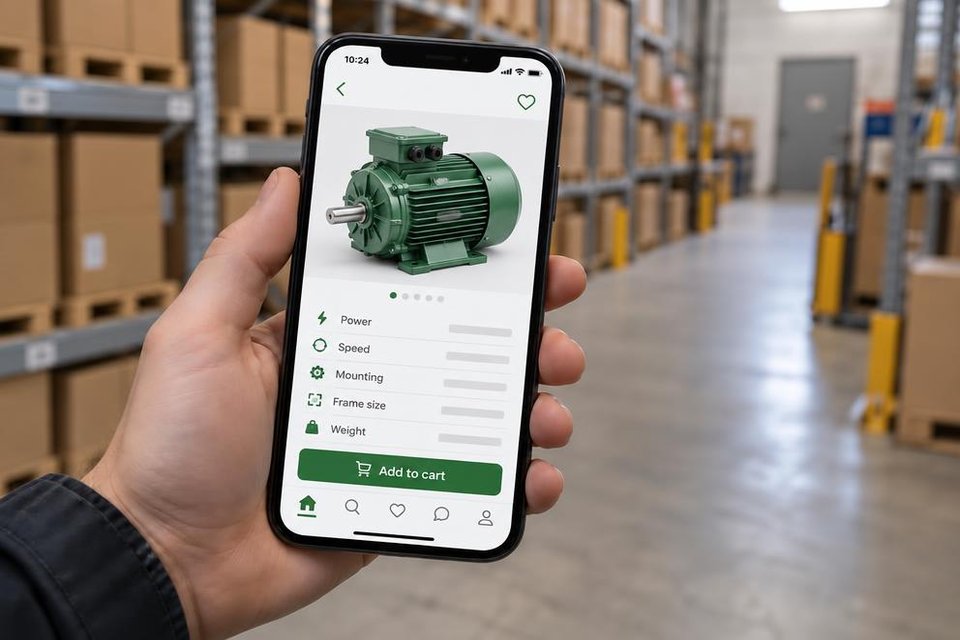
Search for the spare part, manufacturer or model and narrow the results by category. Open a product to check its photos, specifications, condition and price.
- 3
Save favourites and ask the seller
Save interesting products with the heart symbol. Find them again in your favourites to compare items and follow auctions. Open the product and contact the seller to clarify compatibility, condition, what is included and delivery before making a bid or offer.
My favourites - 4
Bid and buy
For auctions, enter your bid and watch the end time. For direct sales, send the seller an offer. Once the purchase is agreed, arrange payment and delivery with the seller.